 Salvatore Giordano
f861eb4584
Salvatore Giordano
f861eb4584
* first draft : static views wip

* refactor to ChatMessage and ChatMessageHeader

* add pedantic

* fix lints

* remove hardcoded message

* appBar title : iMessage

* format date

* cupertino style and model view

* fix display of message based on isReceived or sent

* SendMessageInput

* refactor to MessagesPage

* MissingPluginException

* use builtins instead of custom stream builders

* handle isReceived

* delete channel header

* fix layout issues in ChannelPreview

* fix formatDate

* sticky message input

* usage of builtin MessageListCore

* remove unused imports and a todo

* rename channelsStates to channels

* replace file imports /w package:imessage/filename

* remove size required ChannelNameText

* lint and format

* sendMessage

* transition animation

* stream_chat_flutter_core instead

* format Date differently if same week

* add padding to bubble

* remove iMessage text from header

* reverse message order

* if same day don't display date

* padding chat bubble right

* remove unused extension

* constraint message width

* group messages By dates

* unused import

* fix bug input + layout+ preview onTap

* change updatedAt to createdAt

* add filter on channel

* handle refresh

* handle pagination with core LazyLoadScrollView

* preview simple medias

* upload bug

* fix attachment

* visual changes to message input

* remove size

* clean up

* wait 5 sec before displaying image(hack)

* fix a couple of things

* fix padding in channel preview

* fix upload + debugShowCheckedModeBanner false

* fix overflow and refactor to Divider

* fix android build

* add imessage clone hero image

* update README

Co-authored-by: Sacha Arbonel <sacha.arbonel@hotmail.fr>
54 lines
1.6 KiB
Markdown
54 lines
1.6 KiB
Markdown
# iMessage Clone
|
|
|
|
|
|
|
|
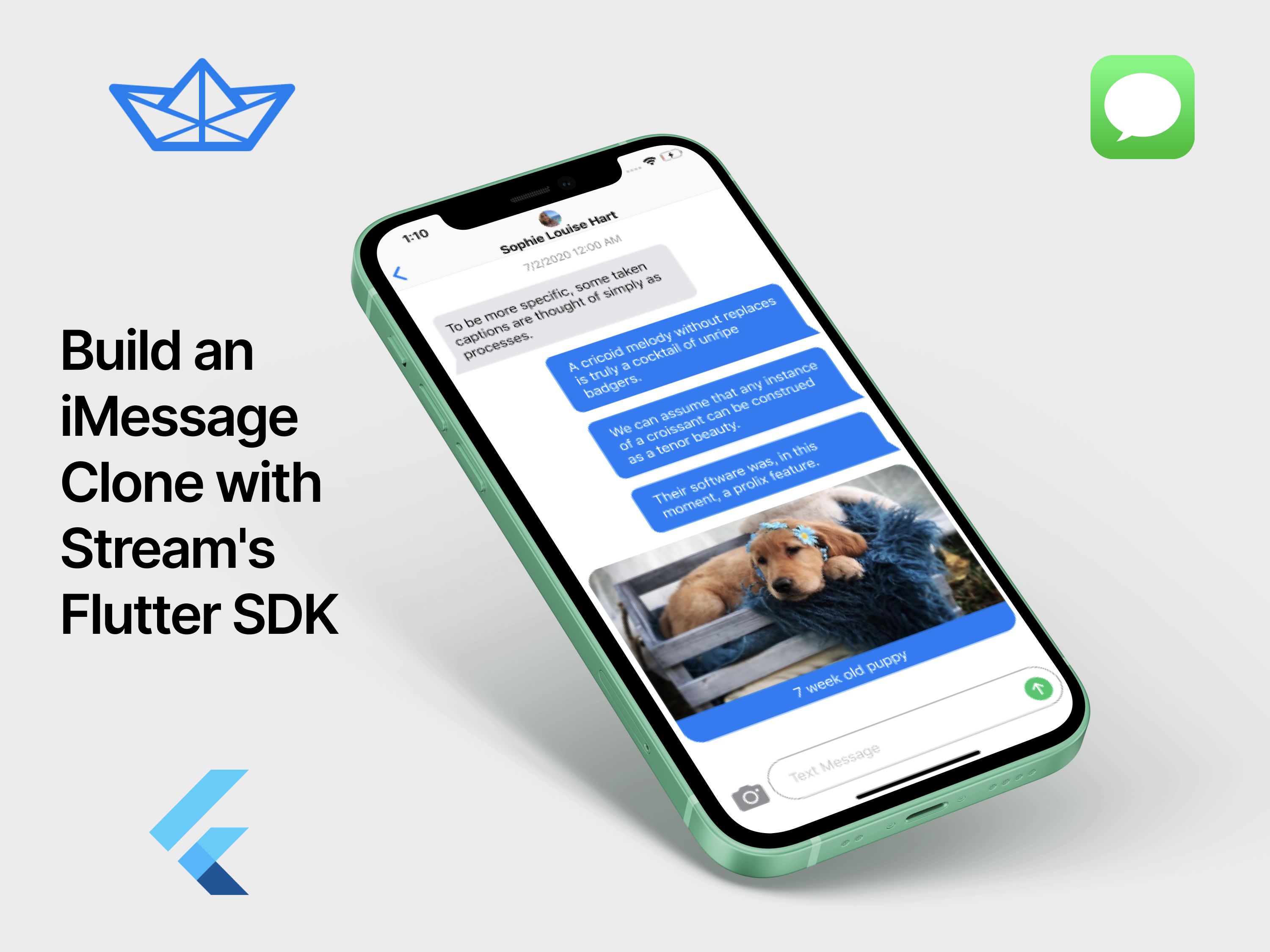
iMessage Clone is a sample app implemented using Stream Chat and Flutter. It is a fully fledged messaging app built using core packages.
|
|
|
|
## Getting Started
|
|
|
|
Before running this project please ensure Flutter is installed and configured on your machine. If you're new to Flutter, please checkout the [official guide](https://flutter.dev/docs/get-started/install) with installation instructions for your OS.
|
|
|
|
|
|
|
|
This project is only configured to support the following platforms:
|
|
|
|
- Android
|
|
- iOS
|
|
|
|
Web and Desktop are not supported at this time.
|
|
|
|
After installing Flutter and the necessary toolchain for your device (Android or iOS), connect your device or open your emulator before running the following:
|
|
|
|
**Clone the repo**
|
|
|
|
```bash
|
|
git clone https://github.com/GetStream/flutter-samples
|
|
```
|
|
|
|
**Open the app folder**
|
|
|
|
```bash
|
|
cd flutter-samples/imessage
|
|
```
|
|
|
|
**Install package dependencies:**
|
|
|
|
```bash
|
|
flutter packages get
|
|
```
|
|
|
|
**Open or create an emulator**
|
|
|
|
```bash
|
|
# To run an emulator, run 'flutter emulators --launch <emulator id>'.
|
|
# To create a new emulator, run 'flutter emulators --create [--name xyz]'.
|
|
# You can find more information on managing emulators at the links below:
|
|
# [https://developer.android.com/studio/run/managing-avds](https://developer.android.com/studio/run/managing-avds)[https://developer.android.com/studio/command-line/avdmanager](https://developer.android.com/studio/command-line/avdmanager)
|
|
```
|
|
|
|
**Run the project on your device or emulator:**
|
|
|
|
```bash
|
|
flutter run
|
|
```
|