
54 lines
1.8 KiB
Markdown
54 lines
1.8 KiB
Markdown
# iMessage Clone
|
|
|
|
|
|
|
|
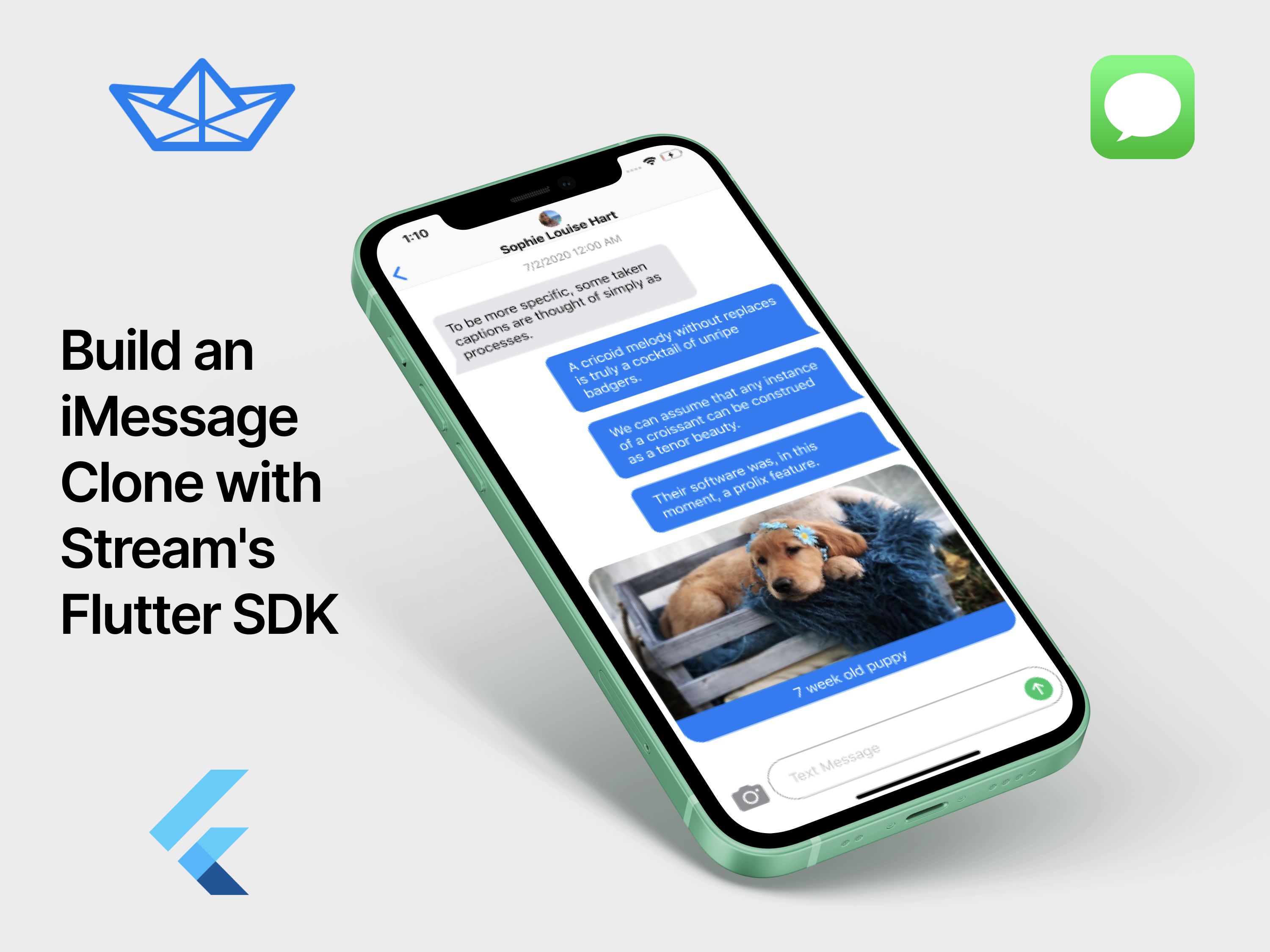
iMessage Clone is a sample app implemented using Stream Chat and Flutter. It's a fully fledged messaging app built using the core Stream packages.
|
|
|
|
See our [blog post](https://getstream.io/blog/build-an-imessage-clone-with-streams-flutter-chat-sdk/) for a step-by-step guide on how to build this application.
|
|
|
|
## Getting Started
|
|
|
|
Before running this project please ensure Flutter is installed and configured on your machine. If you're new to Flutter, please checkout the [official guide](https://flutter.dev/docs/get-started/install) with installation instructions for your OS.
|
|
|
|
This project is only configured to support the following platforms:
|
|
|
|
- Android
|
|
- iOS
|
|
|
|
Web and Desktop are not supported at this time.
|
|
|
|
After installing Flutter and the necessary toolchain for your device (Android or iOS), connect your device or open your emulator before running the following:
|
|
|
|
**Clone the repo**
|
|
|
|
```bash
|
|
git clone https://github.com/GetStream/flutter-samples
|
|
```
|
|
|
|
**Open the app folder**
|
|
|
|
```bash
|
|
cd flutter-samples/imessage
|
|
```
|
|
|
|
**Install package dependencies:**
|
|
|
|
```bash
|
|
flutter packages get
|
|
```
|
|
|
|
**Open or create an emulator**
|
|
|
|
```bash
|
|
# To run an emulator, run 'flutter emulators --launch <emulator id>'.
|
|
# To create a new emulator, run 'flutter emulators --create [--name xyz]'.
|
|
# You can find more information on managing emulators at the links below:
|
|
# [https://developer.android.com/studio/run/managing-avds](https://developer.android.com/studio/run/managing-avds)[https://developer.android.com/studio/command-line/avdmanager](https://developer.android.com/studio/command-line/avdmanager)
|
|
```
|
|
|
|
**Run the project on your device or emulator:**
|
|
|
|
```bash
|
|
flutter run
|
|
```
|