 Reuben TurnerandGitHub
b306978da6
Reuben TurnerandGitHub
b306978da6
* chore: remove examples and tests from analysis exclusion

* chore: apply linter fixes to stream_chat_flutter_core/example/main.dart

* chore: apply linter fixes to stream_chat_flutter/example/main.dart

* chore: apply linter fixes to stream_chat_persistence/example/main.dart

* chore: apply linter fixes to stream_chat/example/main.dart

* chore: apply linter fixes to stream_chat_flutter/example/split_view.dart

* chore: renamte tutorial files per linter

* chore: apply linter fixes to tutorial_part_1.dart

* chore: apply linter fixes to tutorial_part_2.dart

* chore: apply linter fixes to tutorial_part_3.dart

* chore: apply linter fixes to tutorial_part_4.dart

* chore: apply linter fixes to tutorial_part_5.dart

* chore: make a widget const in tutorial_part_5.dart

* chore: apply linter fixes to tutorial_part_6.dart

* chore: sort and update dependencies in stream_chat_persistence/example/pubspec.yaml

* chore: sort and update dependencies in stream_chat_flutter_core/example/pubspec.yaml

* chore: sort and update dependencies in stream_chat_flutter/example/pubspec.yaml

* chore: sort dependencies in stream_chat_flutter/example/pubspec.yaml

* chore: apply linter fixes to channel_test.dart

* chore: apply linter fixes to client_test.dart

* chore: apply linter fixes to client_test.dart, stream_http_client_test.dart, and token_manager_test.dart

* chore: apply linter fixes to filter_test.dart

* chore: apply linter fixes to reaction_test.dart

* chore: apply linter fixes to chat_persistence_client_test.dart

* chore: apply linter fixes to channel_image_test.dart

* chore: apply linter fixes to deleted_message_test.dart

* chore: apply linter fixes to full_screen_media_test.dart

* chore: apply linter fixes to gallery_footer_theme_test.dart

* chore: apply linter fixes to gallery_header_theme_test.dart

* chore: apply linter fixes to message_text_test.dart

* chore: apply linter fixes to reaction_bubble_test.dart

* chore: apply linter fixes to system_message_test.dart

* chore: apply linter fixes to typing_indicator_test.dart

* chore: apply linter fixes to channel_list_core_test.dart

* chore: apply linter fixes to channels_bloc_test.dart

* chore: apply linter fixes to lazy_load_scroll_view_test.dart

* chore: apply linter fixes to channel_matcher.dart

* chore: apply linter fixes to message_matcher.dart

* chore: apply linter fixes to users_matcher.dart

* chore: apply linter fixes to message_list_core_test.dart

* chore: apply linter fixes to message_search_bloc_test.dart

* chore: apply linter fixes to message_search_list_core_test.dart

* chore: apply linter fixes to stream_channel_test.dart

* chore: apply linter fixes to stream_chat_core_test.dart

* chore: apply linter fixes to user_list_core_test.dart

* chore: apply linter fixes to channel_query_dao_test.dart, message_mapper_test.dart, user_mapper_test.dart, and users_bloc_test.dart

* chore: apply some missed dartfmt

* test: regenerate failinggolden test
Official Flutter SDK for Stream Chat
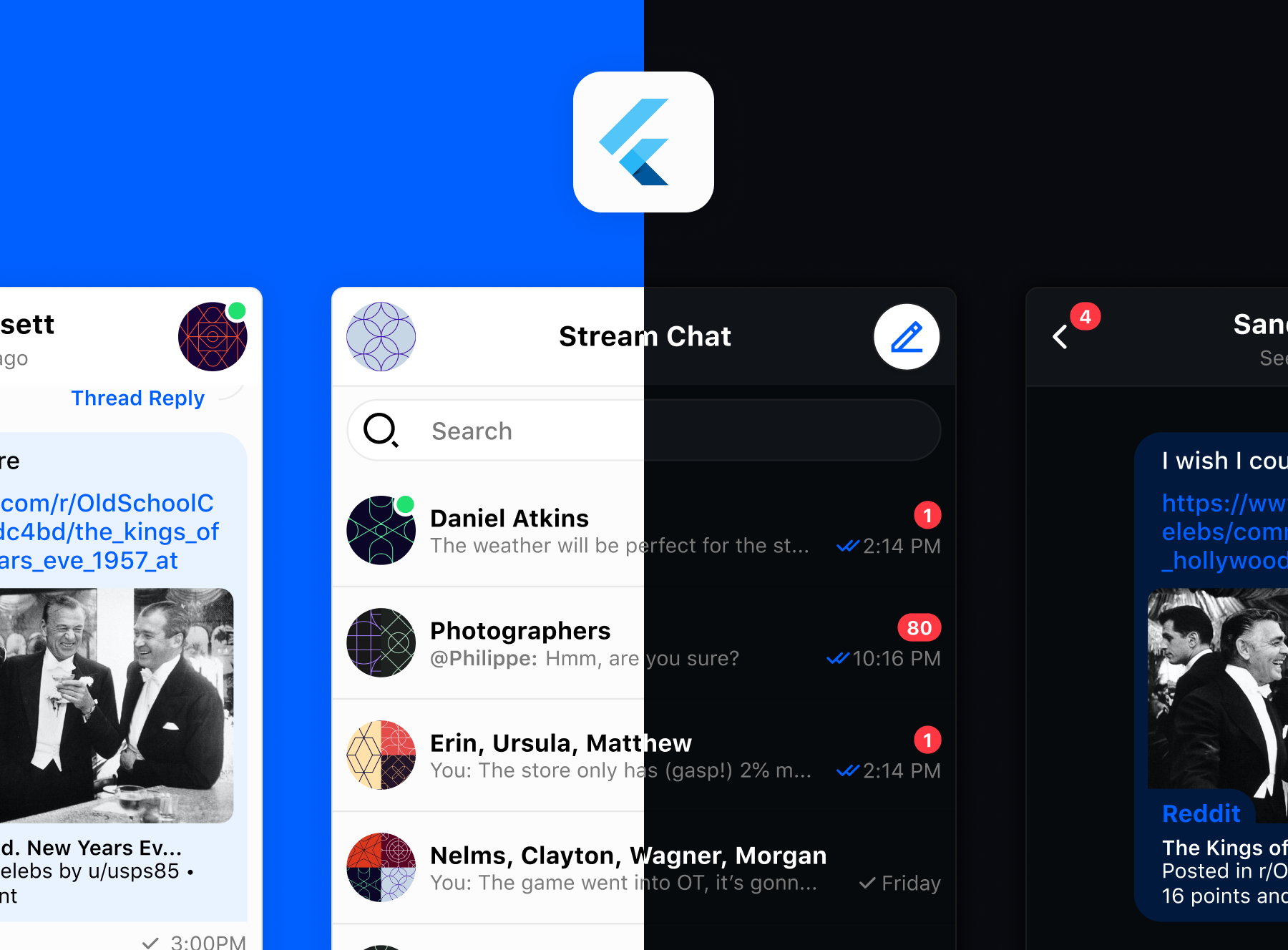
The official Flutter components for Stream Chat, a service for building chat applications.



Quick Links
- Register to get an API key for Stream Chat
- Flutter Chat Tutorial
- Chat UI Kit
Changelog
Check out the changelog on pub.dev to see the latest changes in the package.
Flutter Chat Tutorial
The best place to start is the Flutter Chat Tutorial. It teaches you how to use this SDK and also shows how to make frequently required changes.
Example App
This repo includes a fully functional example app with setup instructions. The example is available under the example folder.
Add dependency
Add this to your package's pubspec.yaml file, use the latest version
dependencies:
 stream_chat_flutter: ^latest_version
You should then run flutter packages get
Android
All set ✅
iOS
The library uses flutter file picker plugin to pick files from the os. Follow this wiki to fulfill iOS requirements.
We also use video_player to reproduce videos. Follow this guide to fulfill the requirements.
To pick images from the camera, we use the image_picker plugin. Follow these instructions to check the requirements.
Troubleshooting
It may happen that you have some problems building the app. If it seems related to the flutter file picker plugin make sure to check this page
Docs
This package provides UI components required for integrating Stream Chat into your application. Alternatively, you may use the core package stream_chat_flutter_core which allows more customisation and provides business logic but no UI components. If you require the maximum amount of control over the API, please use the low level client package: stream_chat.
UI Components
These are the available Widgets that you can use to build your application UI.
Every widget uses the StreamChat or StreamChannel widgets to manage the state and communicate with Stream services.
- ChannelHeader
- ChannelImage
- ChannelListView
- ChannelName
- ChannelPreview
- MessageInput
- MessageListView
- MessageWidget
- StreamChatTheme
- ThreadHeader
- ...
Customizing styles
The Flutter SDK comes with a fully designed set of widgets that you can customize to fit with your application style and typography.
Changing the theme of Chat widgets works in a very similar way that MaterialApp and Theme do.
Out of the box, all chat widgets use their default styling, and there are two ways to change the styling:
- Initialize the
StreamChatThemefrom your existingMaterialAppstyle
class MyApp extends StatelessWidget {
  final StreamChatClient client;

  MyApp(this.client);

  @override
  Widget build(BuildContext context) {
    final theme = ThemeData(
      primarySwatch: Colors.green,
    );

    return MaterialApp(
      theme: theme,
      builder: (context, child) => StreamChat(
       child: child,
       client: client,
       streamChatThemeData: StreamChatThemeData.fromTheme(theme),
      ),
      home: ChannelListPage(),
      );
  }
}
- Construct a custom theme and provide all the customizations needed
class MyApp extends StatelessWidget {
  final StreamChatClient client;

  MyApp(this.client);

  @override
  Widget build(BuildContext context) {
    final theme = ThemeData(
      primarySwatch: Colors.green,
    );

    return MaterialApp(
      theme: theme,
      builder: (context, child) => StreamChat(
       child: child,
       client: client,
       streamChatThemeData: StreamChatThemeData.fromTheme(theme).copyWith(
          ownMessageTheme: MessageTheme(
          messageBackgroundColor: Colors.black,
          messageText: TextStyle(
            color: Colors.white,
          ),
          avatarTheme: AvatarTheme(
            borderRadius: BorderRadius.circular(8),
          ),
          ),
       ),
      ),
      home: ChannelListPage(),
      );
  }
}
Offline storage
To add data persistance you can extend the class ChatPersistenceClient and pass an instance to the StreamChatClient.
class CustomChatPersistentClient extends ChatPersistenceClient {
...
}

final client = StreamChatClient(
  apiKey ?? kDefaultStreamApiKey,
  logLevel: Level.INFO,
)..chatPersistenceClient = CustomChatPersistentClient();
We provide an official persistent client in the (stream_chat_persistence)[https://pub.dev/packages/stream_chat_persistence] package.
import 'package:stream_chat_persistence/stream_chat_persistence.dart';

final chatPersistentClient = StreamChatPersistenceClient(
  logLevel: Level.INFO,
  connectionMode: ConnectionMode.background,
);

final client = StreamChatClient(
  apiKey ?? kDefaultStreamApiKey,
  logLevel: Level.INFO,
)..chatPersistenceClient = chatPersistentClient;
Contributing
We welcome code changes that improve this library or fix a problem, please make sure to follow all best practices and add tests if applicable before submitting a Pull Request on Github. We are pleased to merge your code into the official repository. Make sure to sign our Contributor License Agreement (CLA) first. See our license file for more details.